

Grow your business
One tap. Four ways to grow.
Every tinydabba card and standee sends a customer exactly where you want them — your Google reviews, your UPI, your Instagram or your contact details — with a tap or a scan. No app to install, no monthly fee.
What one tap can do
Pick the job. We have the card for it.
Each card or standee opens one link. You choose the link, and you can change it any time from your dashboard.
More Google reviews
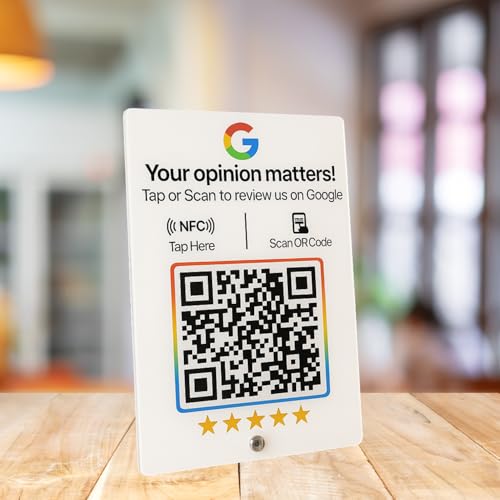
Happy customers rarely go looking for your review page. Keep a card at the counter or a standee on the table: one tap opens your Google review form at the moment they are happiest.
Best for restaurants, cafés, clinics, salons, shops, hotelsAll review cards & standees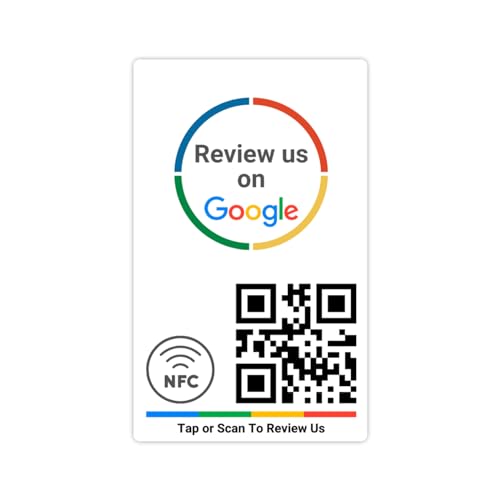
Quick UPI payments
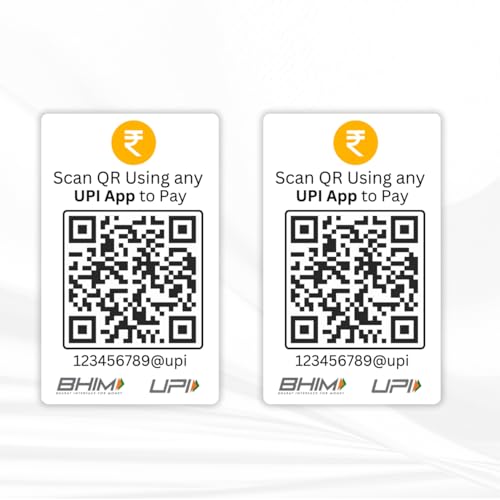
A UPI standee at the billing counter opens the customer's UPI app with your ID ready, or shows your QR — nobody types a number, nobody pays the wrong account. Pair it with reviews on one combo standee.
Best for shops, stalls, home businesses, delivery countersAll UPI standees & cards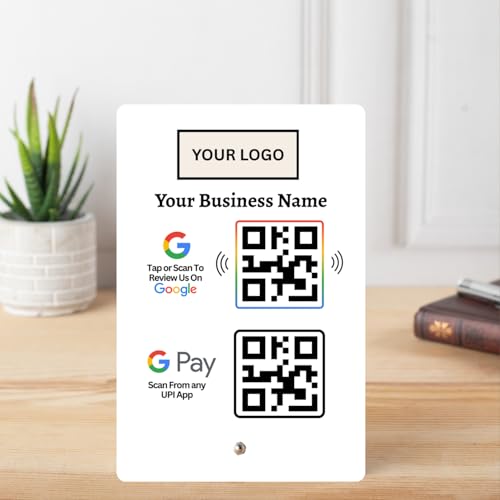
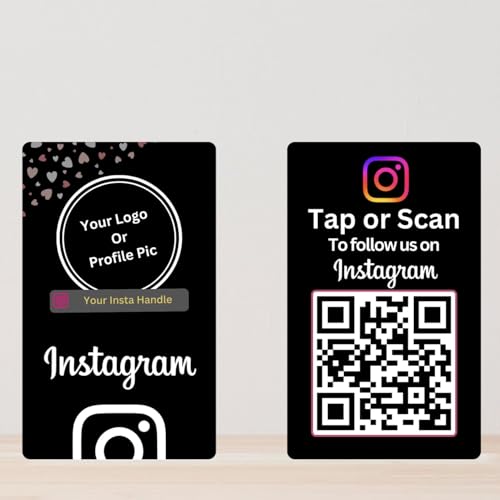
New followers
Instagram, Facebook, YouTube, WhatsApp — one tap opens your page with the follow button right there. Launching something new? Point the same card at the new link.
Best for boutiques, creators, gyms, studios, event stallsAll social media cards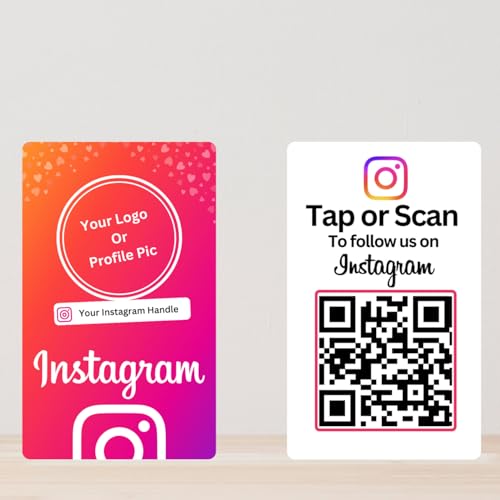
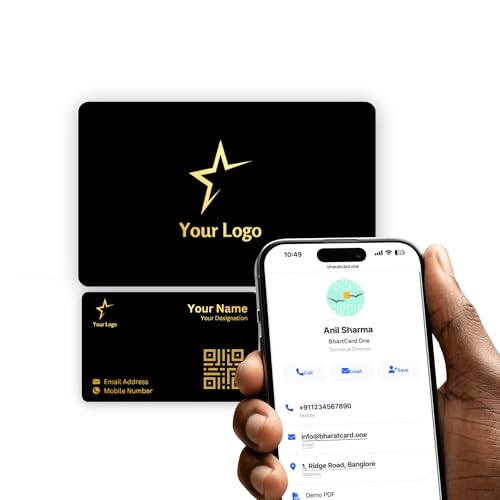
Saved contacts
Your digital business card opens with a tap: name, number, WhatsApp, website, and a Save contact button that puts you straight into their phone. The profile is free, with 49 themes and an AI-written bio.
Best for real estate, consultants, freelancers, sales teams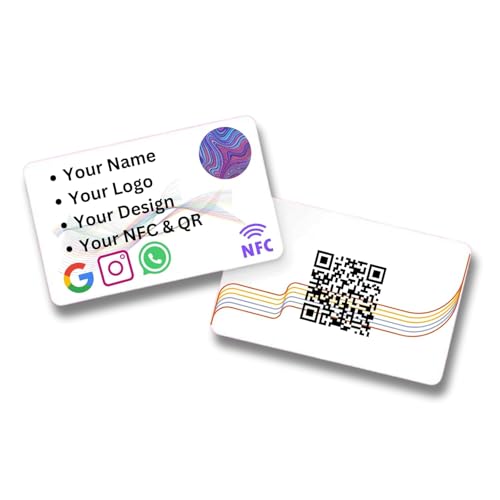
By business
What works where
After the tap
Everything after the tap is free, for life
You pay for the card once. The dashboard that runs it never costs anything.
Getting started
Up and running in three steps
Pick a card or standee
By the job above, or ask Tiny AI. Free shipping across India, GST invoice with every order.
Activate in about 30 seconds
Sign in with Google and your mobile number, type the Card ID printed under the QR, paste your link. Done.
Put it where customers are
Counter, table, bill folder, reception, your wallet. Then watch the taps come in on your dashboard.
Good to know
Questions people ask before their first card
Does it work on every phone? Do customers need an app?
Yes, and no app. Phones with NFC open your link with a tap; every phone camera scans the QR printed on the same card. Nothing to install on either side. Read more
How does a review card actually get me reviews?
It removes the searching. The tap opens your Google review form directly, so a happy customer writes the review in the moment instead of forgetting later. Read more
Can I change what a card opens later?
Yes, as often as you like, from your dashboard. The chip and the QR stay the same for the life of the card. Read more
Do I need a Google account to activate?
Yes. Activation is a Google sign-in plus your mobile number, so your cards are always recoverable and tied to you. Read more
Can I see who tapped or scanned my card?
You see taps and scans by card, day and hour. We do not collect the customer's identity, so you cannot see who they were. Read more
Start with one card.
Most businesses begin with a review card or standee and add UPI and social cards later. Have one already? Activate it now.